
IPTV auf Samsung Smart TV einrichten – Ohne Zusatzgeräte
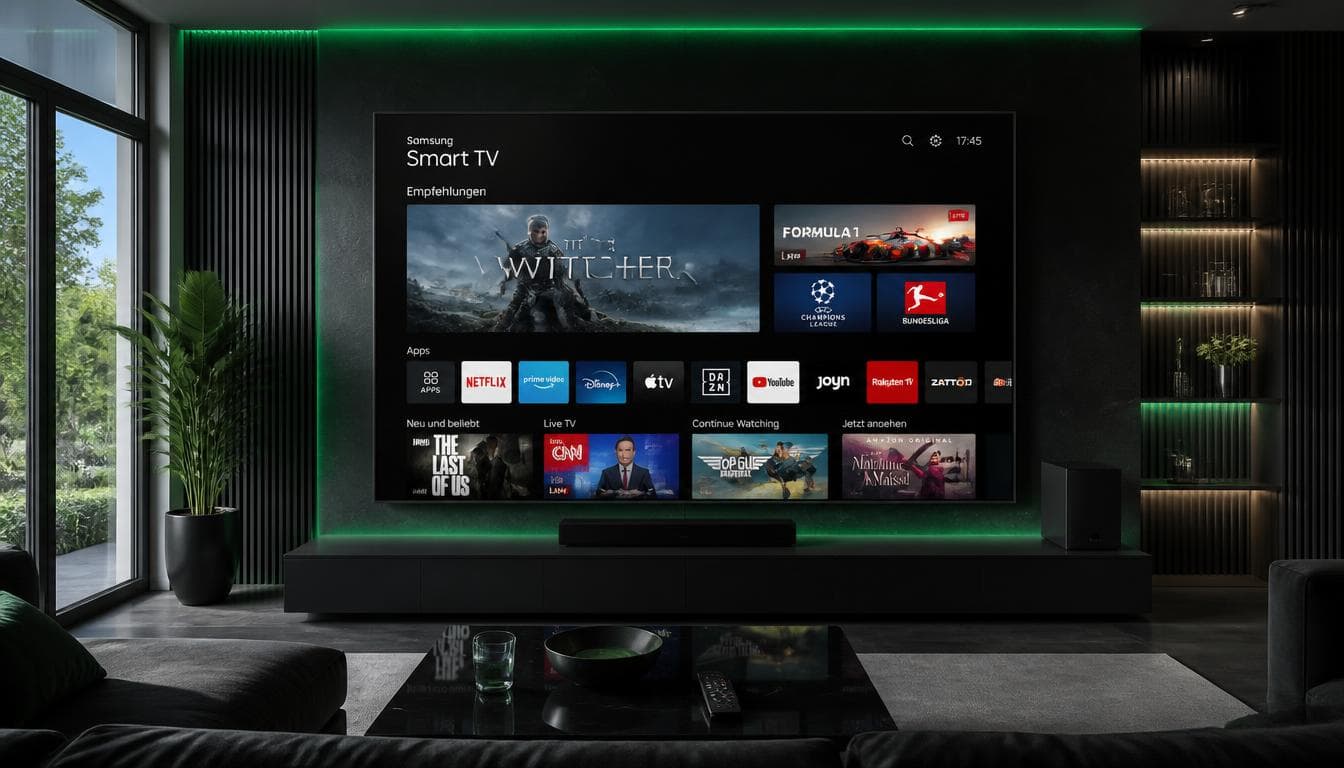
Nutzen Sie Ihren Samsung Fernseher direkt für IPTV ohne zusätzlichen Streaming-Stick. Im Samsung Smart Hub finden Sie leistungsstarke Apps wie IBO Player Pro oder Flix IPTV.
So installieren Sie IPTV auf Ihrem Samsung Fernseher
1. Öffnen Sie den 'Samsung Smart Hub' und suchen Sie nach 'IBO Player' oder 'Flix IPTV'.
2. Installieren Sie die App und notieren Sie sich die angezeigte MAC-Adresse und den Device Key.
3. Laden Sie Ihre M3U-Playlist auf der Aktivierungsseite der App hoch oder lassen Sie dies von unserem Support für Sie erledigen.
4. Starten Sie die App neu und genießen Sie alle 24.000+ Sender in voller Qualität.

Samsung (Tizen) & LG (webOS) Smart TVs
Direkte Installation ohne zusätzliche Streaming-Box über den integrierten App Store.
1IBO Player oder Smarters Player installieren
Suchen Sie im Samsung Store oder LG Content Store nach IBO Player oder IPTV Smarters und installieren Sie die Anwendung.
2MAC-Adresse & Device Key notieren
Beim Öffnen des IBO Players sehen Sie Ihre Geräte-MAC-Adresse und den Device Key auf dem Fernsehbildschirm.
3Aktivierung durch Support oder Webportal
Senden Sie uns die MAC-Adresse per WhatsApp. Unser Support verknüpft Ihre 24.000+ Sender in unter 2 Minuten mit Ihrem Fernseher.
Everything You Need to Know About Our IPTV Service
Clear answers to common questions regarding setup, devices, stability, 4K sports streaming, and payments.
IPTV stands for Internet Protocol Television. It delivers television programming, live sports, and on-demand movies through your broadband internet connection rather than traditional satellite or cable. You can stream directly using apps like TiviMate, IPTV Smarters Pro, or IBO Player on your Smart TV, Fire TV Stick, smartphone, or PC.
IPTV technology is completely legal across Germany and the EU. Major telecommunications companies like Deutsche Telekom (MagentaTV) and Vodafone use IPTV as their standard delivery mechanism. Our service delivers high-speed digital streaming using standard protocols (M3U & Xtream Codes API) hosted on enterprise-grade European servers.
Delivery is fully automated. Immediately after your order or trial request, your Xtream Codes credentials (server URL, username, password), M3U playlist URL, and EPG guide are delivered within 2 to 5 minutes via Email and directly on WhatsApp.
All major sports channels are included in true 4K UHD and 60 FPS: German Bundesliga (Sky Sport Bundesliga 1-10 UHD), UEFA Champions League, Premier League, DAZN 1 & 2 HD, Formula 1 (Sky Sport F1 UHD), MagentaSport, and international sports networks with zero additional fees.
Our premium sports and cinema channels are broadcast in true 4K Ultra HD (3840x2160) and 1080p Full HD at a smooth 60 Frames Per Second (60 FPS) using modern HEVC / H.265 compression for crisp, lag-free action.
Our service is compatible with Amazon Fire TV Stick & Cube, Samsung Smart TV (Tizen OS), LG Smart TV (webOS), Android TV & TV Boxes (Nvidia Shield, Formuler, Xiaomi), Apple TV, iPhone, iPad, Windows PC, Mac, and MAG/Enigma2 receivers. Recommended apps include TiviMate, IPTV Smarters Pro, and IBO Player.
We recommend a stable broadband connection of at least 15–25 Mbps for 1080p Full HD, and 50 Mbps for 4K Ultra HD 60 FPS. For the best stability, connect your streaming device via Ethernet LAN cable or 5 GHz Wi-Fi.
1. Connect your device via LAN cable instead of Wi-Fi. 2. Enable Hardware Decoding (HW+) and set buffer size to 3000ms in your IPTV app. 3. Restart your router to clear DNS cache. Our Anti-Freeze™ 9.3 system automatically balances load to prevent bottlenecks during peak sports events.
A VPN is not required, as our European 10 Gbps servers are fully optimized for all German and European ISPs (Telekom, Vodafone, 1&1, O2). However, if you prefer extra privacy, you can use any VPN (NordVPN, Surfshark, ExpressVPN) without restrictions.
An M3U playlist is a single URL containing all channels. Xtream Codes API splits your access into Server URL, Username, and Password, which allows your IPTV app to load the Electronic Program Guide (EPG) much faster and organize Live TV and VOD in a clean Netflix-style interface.
Our on-demand library with over 120,000 titles is updated daily with the newest cinema releases, Netflix, Prime, Disney+, and HBO series in 4K/FHD with German, English, and multilingual audio and subtitles.
Yes! We offer a 100% free 24-hour IPTV trial with full access to all 24,000+ live channels and VODs. No credit card is required, and the test expires automatically without any recurring subscription.
We accept PayPal (upon request via support), Credit/Debit Cards (Visa, MasterCard, Maestro), Giropay, Sofort, Revolut, Paysafecard, and popular cryptocurrencies (Bitcoin, USDT) for complete privacy.
If you are not completely satisfied with channel stability, picture quality, or support within 7 days of purchase, contact our 24/7 WhatsApp or email team for a full 100% refund with no hassle.
Our standard plans include 1 active connection. If you wish to stream simultaneously on multiple TVs, select our 2-device multiroom option or the 24-month ultimate plan, which includes 2 simultaneous connections.